@AndruJay
a522a691e9e0a4a30f8233f11d2ec46954290920744f01399ce9d56d13ad1a35Nov 20, 2021, 17:36:12
How to Send Private Messages On DESO
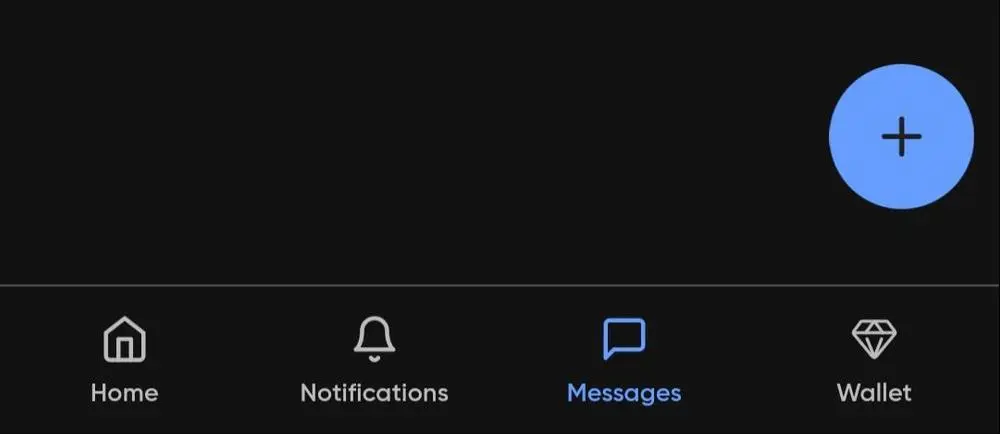
1) Step One : Click the "Messages" letter icon on the bottom bar.
2) Step Two : Click the Blue "Plus" Circle Button
3) Step Three : In the Search Bar, type the Creator Name you want to Message.
4) Step Four : Compose A Message, and hit Send!
0
0
2